ADAS Map connects with CCC ONE so your shop can send vehicle and estimate information to ADAS Map for review and receive the completed ADAS report back in CCC ONE. To set up the integration, your shop must add the Opus IVS ADAS MAP tile in the CCC SecureShare portal. Once requested, Opus IVS will approve the connection so data can begin flowing.
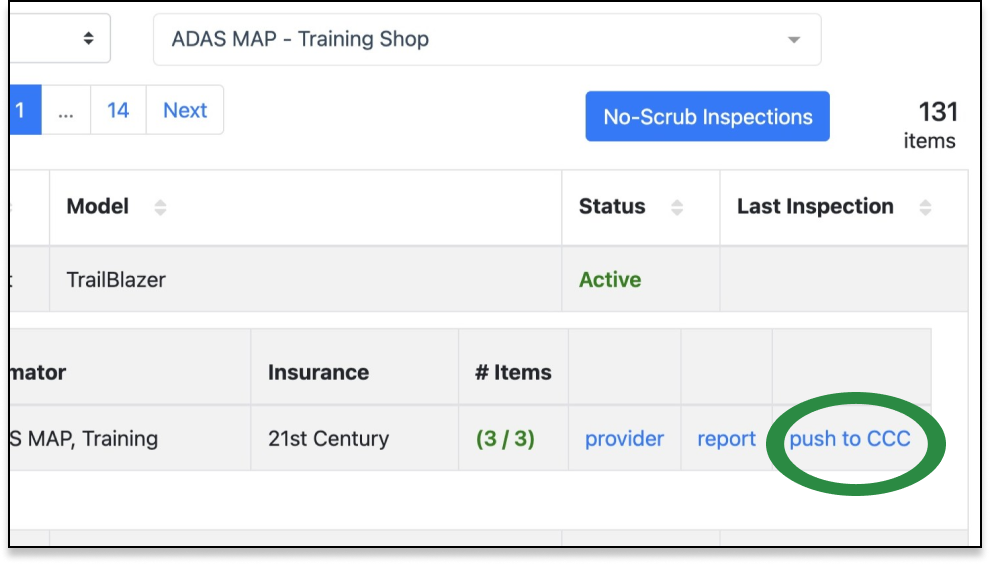
Your ADAS Map account must also include your CCC SecureShare ID and CCC Diagnostic ID / License Number. These allow CCC ONE to send estimate data to ADAS Map and allow completed PDF reports to return to the Attachments tab in CCC ONE. After setup, ADAS Map can review repair lines and generate ADAS recommendations when an estimate is saved or locked. When the estimate is committed, the final PDF is automatically sent back to CCC ONE, or you can select Push to CCC in ADAS Map to send it sooner.