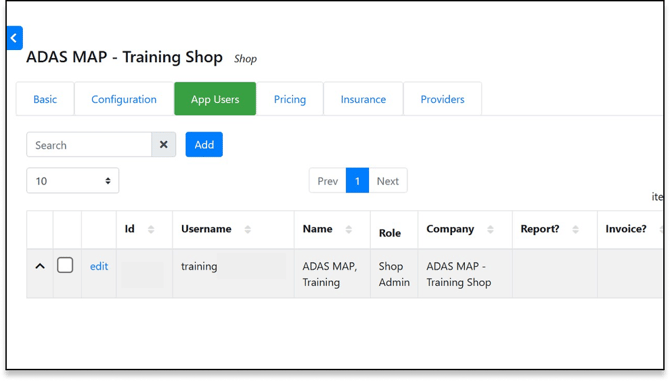
Administrators can manage their team's access directly through the portal.
Adding a New User- Navigate to the App Users section in the settings.
- Click Add.
- Fill in the required details:
- Contact Type: Estimator, Owner, Technician, etc.
- User Role: Shop Admin, Shop Estimator, or Shop User.
- Permissions: You can toggle specific permissions, such as "Receives Reports" or "Labor Rate" visibility.
Editing or Deactivating Users
- Edit: Click the Edit button to update contact info, change passwords, or adjust permissions for an existing user.
- Deactivate: To remove access, you can mark a user as Inactive. This prevents them from logging in but preserves their history in the system.