
Scan reports associated with a vehicle can be reviewed within the reporting areas of ADAS MAP PRO. These reports provide technical context that supports the repair planning and documentation process.
Users typically review scan reports to:
How to view a scan report:
Users typically review scan reports to:
- Confirm diagnostic results associated with the vehicle
- Reference system-level information while validating repair decisions
- Support documentation for internal review or external stakeholders
How to view a scan report:
- Open the vehicle you are working on.
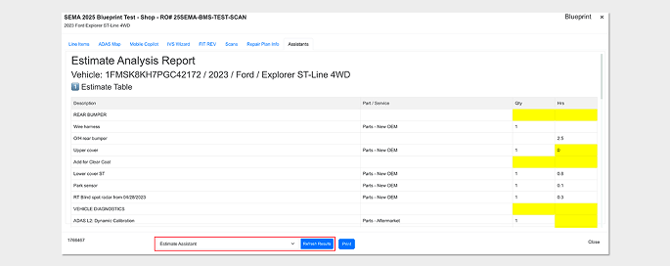
- Navigate to the Scans tab.
Watch Opus IVS VP ADAS Frank Terlep tour the Scans Tab in the ADAS MAP PRO software: